Payment Request
By Naveen Soni on May 14, 2026
BeginnerDocumentation
Introduction
The Payment Request Form is used to initiate and track payment processing in ERPNext.
It links financial transactions with supplier, invoice, bank, and accounting entries.
It is used to control payment approval flow before actual payment entry is made.
Fields in Payment Request Form
A. Document Header Section
1. Payment Request Type : Defines the direction of payment.
Options :
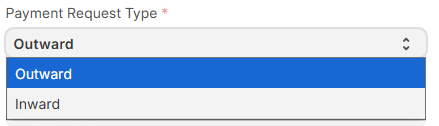
- Outward → Payment going out from company
- Inward → Payment received in company
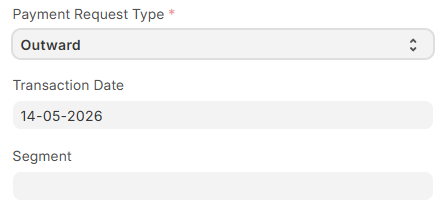
2. Transaction Date : System date on which payment request is created. Used for accounting and record tracking.
3. Segment (custom_segment) : Custom field used for internal business classification. Used for reporting and grouping.
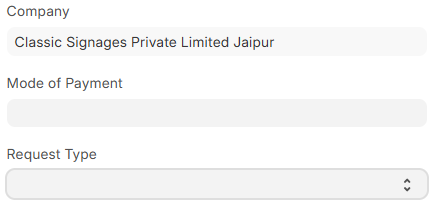
4. Company : Defines company under which payment request is created. Used for accounting ledger separation.
5. Mode of Payment : Defines payment method linked with Payment Entry. Used in accounting entry creation.
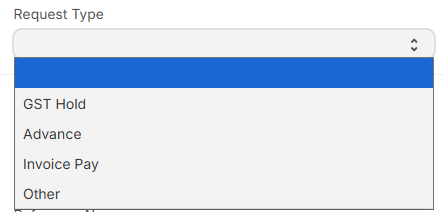
6. Request Type (custom_request_type) : Custom classification field used before payment processing.
Options:
- GST Hold → Payment blocked for GST reasons
- Advance → Advance payment to supplier
- Invoice → Payment against invoice
- Other → Miscellaneous payment type
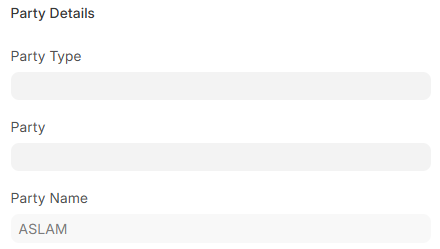
B. Party Information
7. Party Type : Defines whether payment is made to Supplier, Customer or Employee. Used in ERPNext accounting linking.
(Default shown : Supplier)
8. Party : Links actual Supplier / Customer / Employee master record for payment booking.
9. Party Name : Displays linked party identification details (auto-fetched from Party master).
C. Reference Information
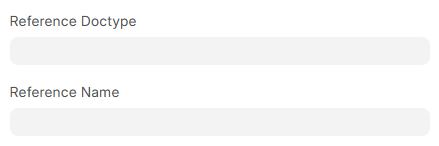
Purpose: This section establishes a direct link between the payment and its source transaction. It serves as the "proof of origin," answering exactly why and for what a payment is being processed.
Field Descriptions:
- Reference Doctype: Identifies the category of the linked document (e.g., Purchase Invoice, Sales Order, Expense Claim).
- Reference Name: Stores the unique ID or bill number of that specific document (e.g.,
PINV-2026-0045).
D. Payment Reference
Purpose: This section is used to break down a large bill into smaller parts. If the whole bill is not being paid all at once, this table helps you set up an installment plan.
Field Description:
- Payment Reference (Child Table): This is a list inside the document that shows your payment schedule. For each part of the payment, it records:
- Payment Term: The agreed plan (like "50% Advance").
- Description: Short details about this payment.
- Due Date: The exact date when this money must be paid.
- Amount: How much money needs to be paid on that date.

Fields:
- Payment Term → Payment schedule terms from invoice
- Description → Line-level payment description
- Due Date → Payment due date from invoice terms
- Amount → Payable amount per line
E. Transaction Details
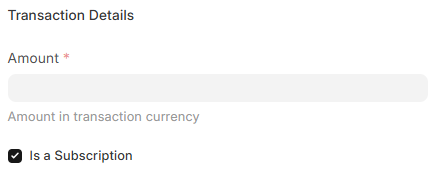
13. Amount : Total payable amount for the payment request. Used for Payment Entry creation.
F. Subscription Section
Purpose: This section is used for payments that repeat automatically over time, like monthly rent or a yearly software fee. It saves you from having to create a new payment request manually every month or year.
Field Description:
- Is a Subscription (Checkbox): A simple tick-box. When you tick this, the system knows this is a repeating payment and not a one-time bill.
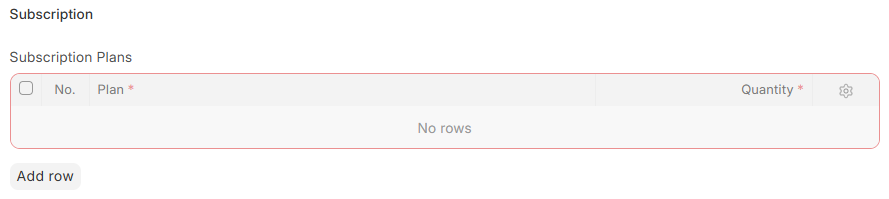
- Subscription Plans (Child Table): This list only appears when the checkbox is ticked. It stores the details of the repeating payment:
- Plan: The specific package the customer chose (like "Basic Monthly Plan").
- Quantity: How many units or users are included in this plan.
Fields:
- Plan → Subscription plan reference
- Quantity → Number of units for subscription billing
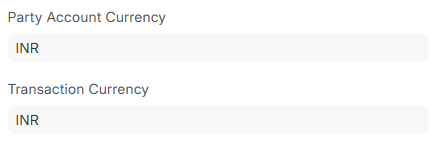
G. Currency Details
16. Party Account Currency : Currency of supplier/customer account. Used for accounting reconciliation.
17. Transaction Currency : Currency used in payment request and accounting entry.
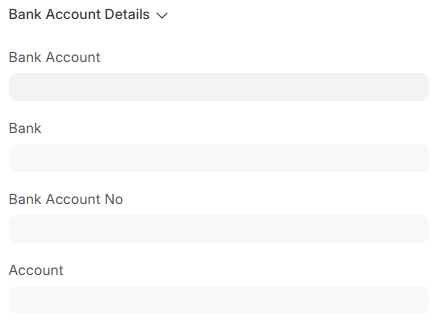
H. Bank Account Details
Purpose: This section holds all the actual banking information. It tells the system exactly where the money is coming from or going to, and how to record it in the company's accounting books.
Field Description:
- Bank Account: Your company’s specific bank account chosen to process this payment.
- Bank: The name of the bank (like HDFC, SBI, or ICICI).
- Bank Account No: The exact bank account number that will send or receive the money.
- Account: The "Ledger Account" in your bookkeeping system. This links your real-life bank account to your digital accounting software.
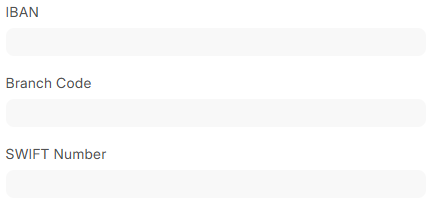
22. IBAN : International bank account number used for cross-border transactions (if configured).
23. Branch Code : Bank branch identifier used for payment routing.
24. SWIFT Number : Used for international wire transfers.
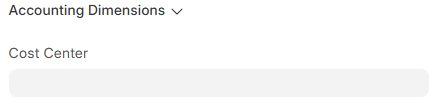
I. Accounting Dimensions
25. Cost Center : Used to allocate payment expense to a specific cost center in accounting.
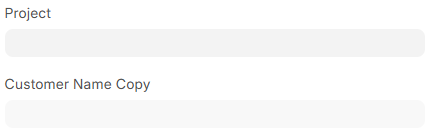
26. Project : Links payment entry to a project for project-wise accounting.
27. Customer Name Copy : Custom field used to store customer reference code for reporting purposes.
J. Reference Fields
28. Payment URL : System-generated URL used for payment tracking or approval workflow.

29. Created By : System field showing user who created the Payment Request.

No comments yet. Login to start a new discussion Start a new discussion