Request for Quotation (RFQ)
By Asif Siddki on May 6, 2026
BeginnerRequest for Quotation (RFQ)
Introduction
The Request for Quotation (RFQ) form is used to ask suppliers to send their price quotes for needed items. It is an important part of the purchasing process and connects internal needs with external suppliers.
RFQ helps organizations to:
- Get price quotes from different suppliers
- Compare prices and terms before buying
- Keep the process open and transparent
- Maintain proper records of supplier communication
It is usually created after a requirement is identified (manually or through a Material Request). It leads to:
- Supplier Quotation
- Purchase Order
The RFQ includes important details such as:
- Supplier details
- Item details and quantities
- Delivery dates
- Email communication to suppliers
This helps in choosing the right supplier and saving costs.
Fields in RFQ Form
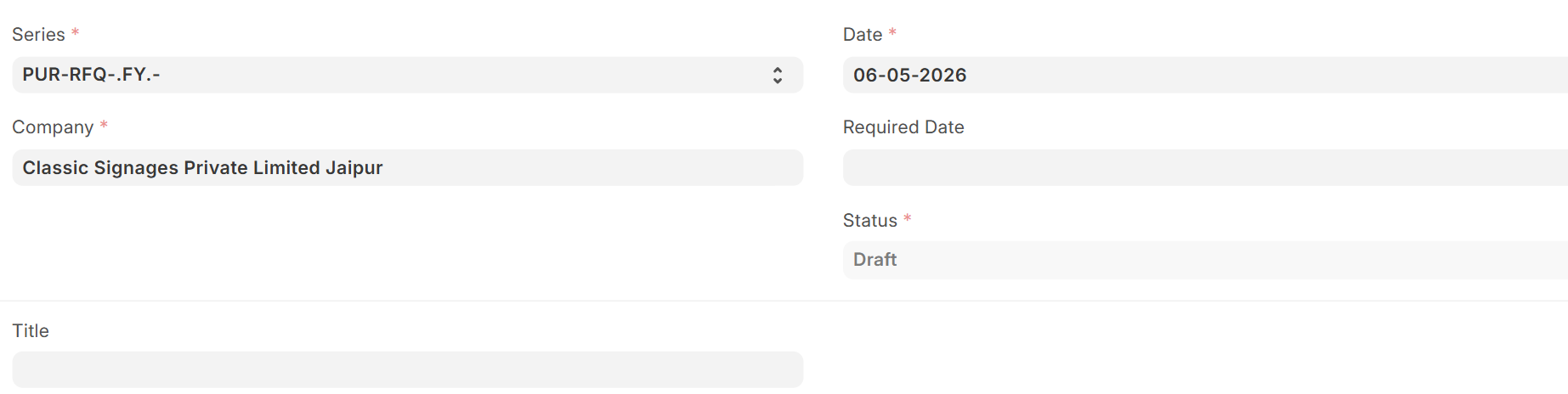
A. Document Header Section
- Series: A numbering format for RFQ documents (e.g., PUR-RFQ-.FY.-). Helps in organizing and tracking documents.
- Company (Mandatory) : Name of the company requesting the quotation.
- Date (Transaction Date) : The date when RFQ is created. It is usually set to today’s date.
- Required Date : The expected delivery date for the items.
- Status : Shows the current status of the RFQ (Draft, Submitted, etc.).
- Title : Optional name or heading for the RFQ.
B. Supplier Information Section

- Suppliers Table : Used to add one or more suppliers who will receive the RFQ.
Each row includes:
- Supplier name (from Supplier list)
- Contact person
- Email address
- Option to send email
Purpose:
- Send RFQ to multiple suppliers at the same time
- Help compare different supplier prices
C. Items Section (Main Section)
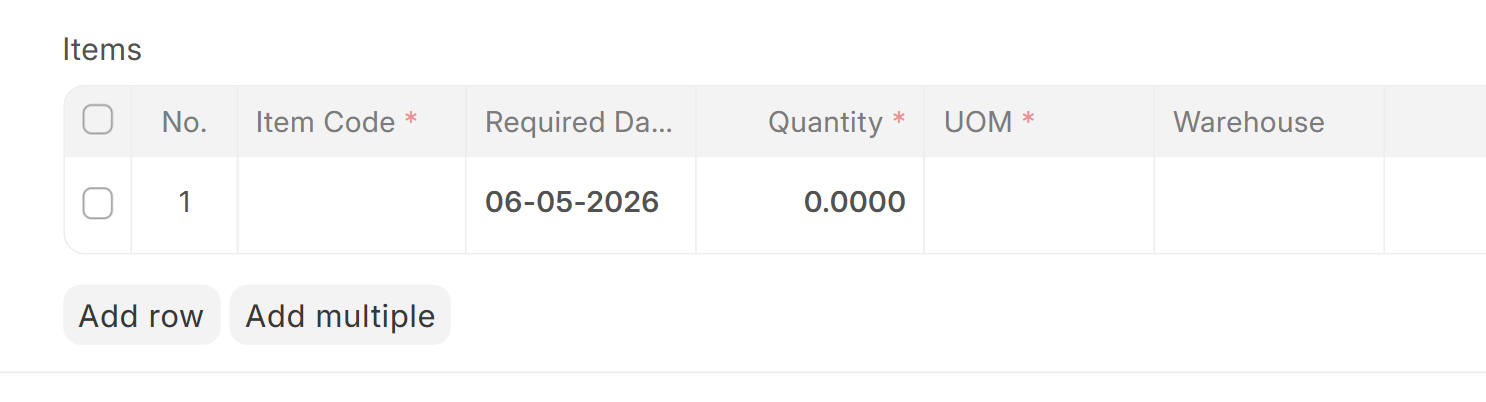
- Items Table : Lists all items that need price quotes.
Each row includes:
- Item Code
- Item Name (auto-filled)
- Required Date
- Quantity needed
- Unit of Measure (UOM)
- Stock UOM
- Conversion Factor
- Quantity in stock unit
- Warehouse
- Item description
Purpose:
- Clearly tells suppliers what is needed
- Helps suppliers give correct pricing
D. Email Details Section
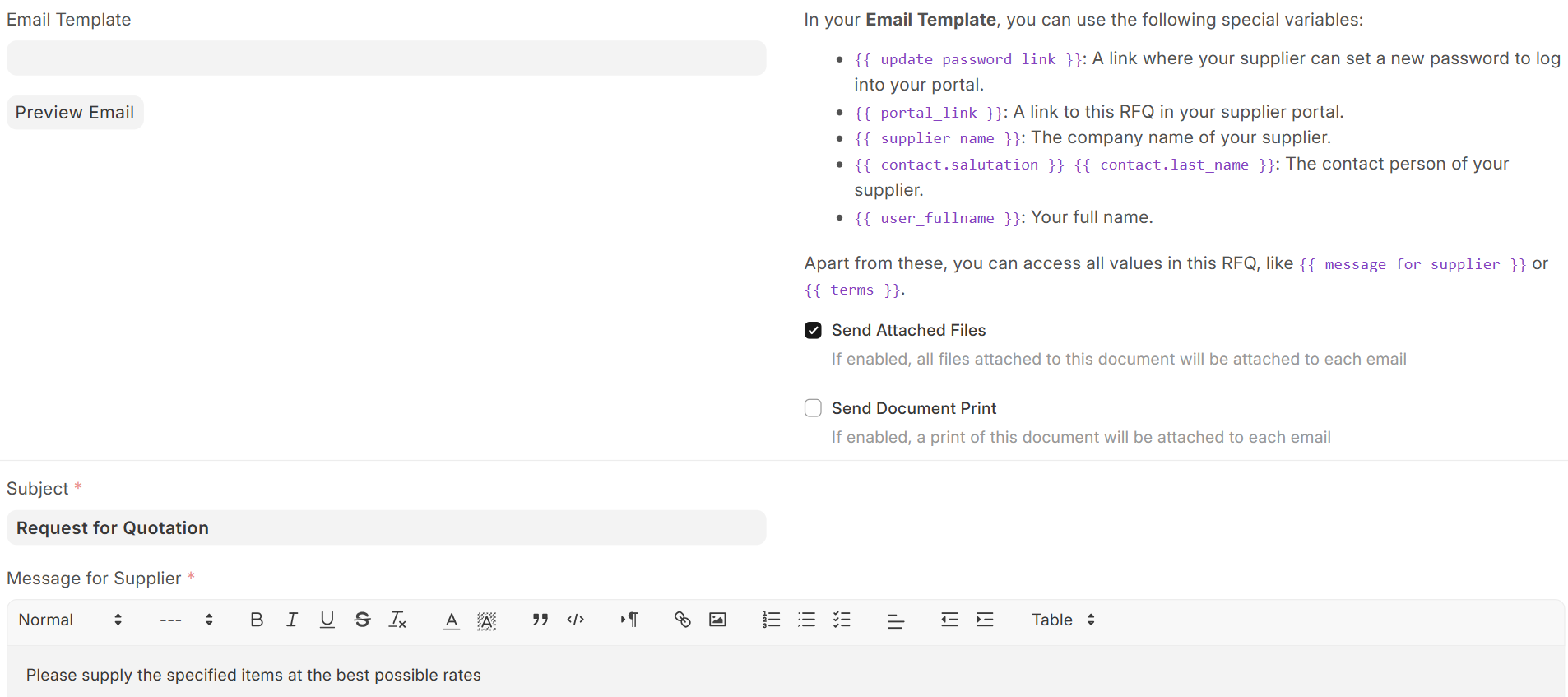
- Email Template : Pre-made email format used to send RFQs. It can include details like supplier name and message.
- Send Attached Files : If selected, attachments will be sent with the email.
- Send Document Print : If selected, a printable RFQ copy is attached.
- Subject : Email subject line.
- Message for Supplier : Custom message sent to suppliers (for example, asking for best price).
Purpose:
- Makes communication automatic
- Keeps messages uniform for all suppliers
E. Terms and Conditions Section
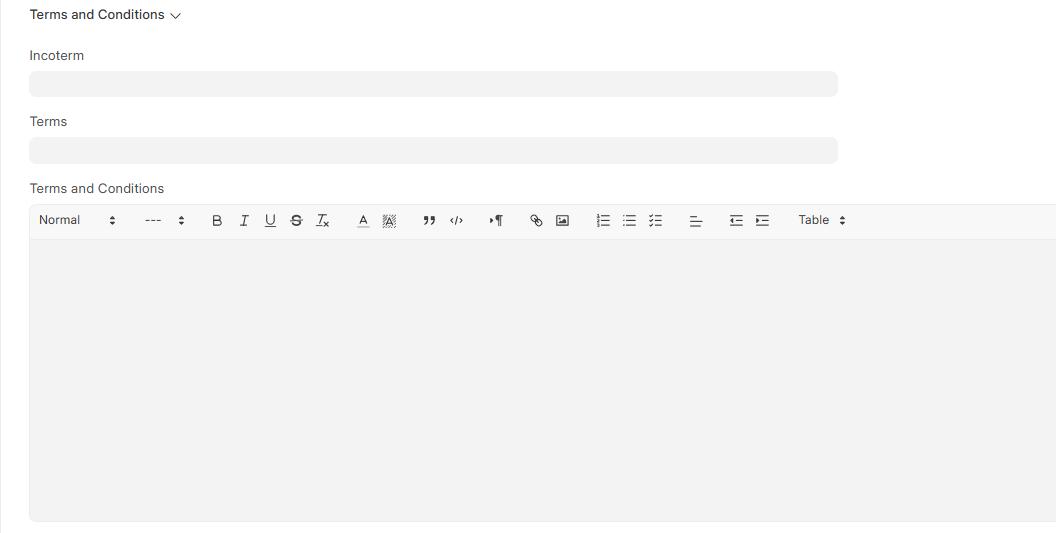
- Terms and Conditions : Rules and conditions related to the RFQ.
Purpose:
- Makes expectations clear to suppliers
- Ensures transparency and proper agreement
F. Address & Contact Tab

- Company billing or shipping Address: Company's official address for billing or shipping .
- Billing or Shipping address is auto fetched
Purpose:
- Helps suppliers know whom to contact
- Makes communication easier
G. Key Benefits
- Helps get better prices through competition
- Makes supplier selection easier
- Standardizes the buying process
- Improves communication with suppliers
- Keeps records for future reference and audit
Was this article helpful?
No comments yet. Login to start a new discussion Start a new discussion