Work Order
By Komal Jangid on May 6, 2026
BeginnerWork Order
Documentation
Introduction
The Work Order Form is used to plan, execute, and monitor the manufacturing process in an organization.
It acts as the main production document that connects:
- Bill of Materials (BOM)
- Inventory (raw materials & finished goods)
- Production operations
It ensures:
- Materials are available before production
- Proper tracking of all manufacturing stages
It acts as the starting point for:
- Material consumption
- Production execution
- Finished goods entry
Note: A Work Order can be created only if a BOM is already created for the item.
Fields in Work Order Form
Production Item Tab
This tab contains all basic production details.
A. Document Header Section
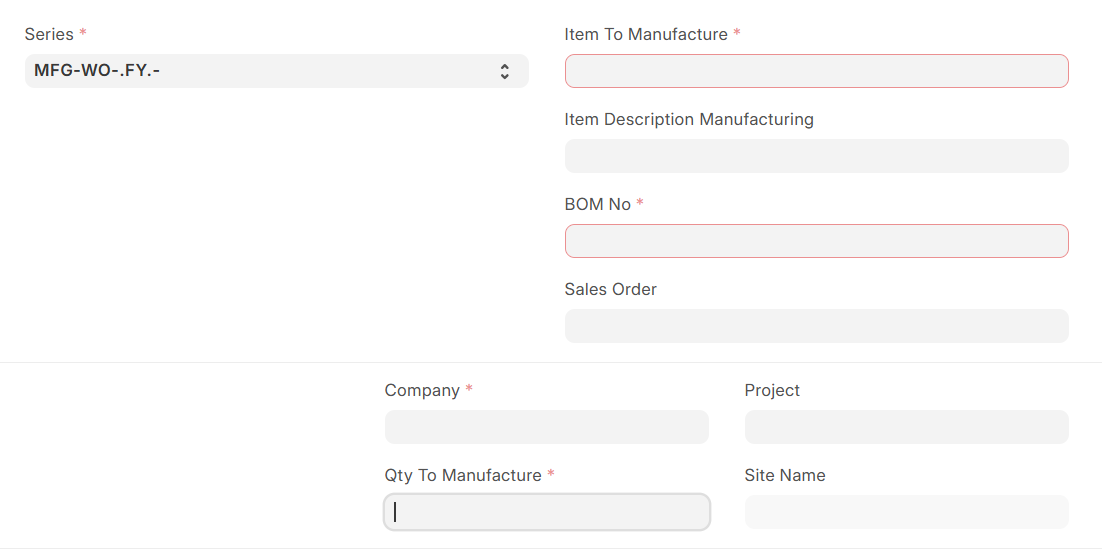
1. Series: Defines the naming pattern for Work Orders. Helps in tracking and identification.
2. Item to Manufacture (Mandatory): Specifies the product to be produced.
System Behaviour:
- Auto-fetches item details
- Links with BOM
3. Item Description Manufacturing: Displays description of the selected item.
4. BOM No (Mandatory): Defines the Bill of Materials.
System Behaviour:
- Fetches raw materials
- Loads operations
- Fills Required Items table
5. Sales Order:Links Work Order to customer demand.
6. Company (Mandatory): Defines the company creating the Work Order.
7. Project: Links Work Order to a project (if applicable).
8. Qty to Manufacture (Mandatory): Defines production quantity.
System Behaviour:
- Calculates required raw materials
9. Site Name: Specifies location where production is required.
B. Required Items Section
Displays all raw materials required.
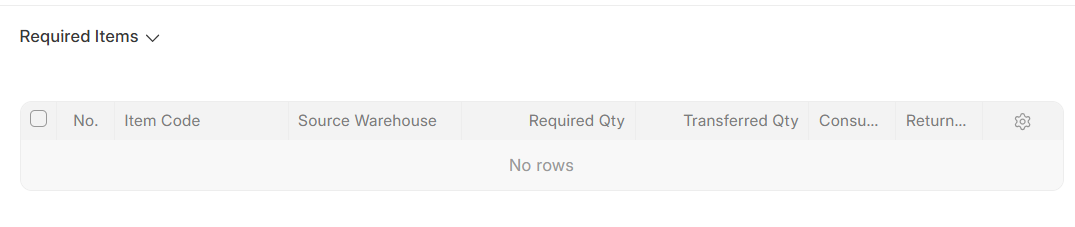
Fields include:
- Item Code
- Source Warehouse
- Required Qty
- Transferred Qty
- Consumed Qty
- Returned Qty
System Behaviour:
- Auto-filled after selecting BOM
- Updates based on quantity
Configuration Tab
This tab controls production behavior and settings.
A. Manufacturing Options
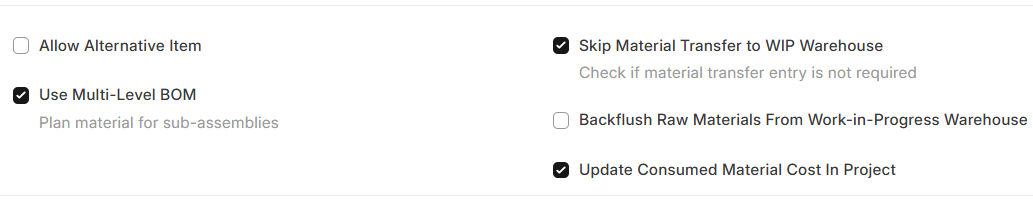
10. Allow Alternative Item: Allows use of substitute items.
11. Use Multi-Level BOM: Includes sub-assemblies.
System Behaviour:
- Expands BOM to all levels
12. Skip Material Transfer to WIP Warehouse: Skips transfer step in same warehouse.
System Behaviour:
- Direct consumption of materials
13. Backflush Raw Materials from WIP Warehouse: Automatically consumes materials.
14. Update Consumed Material Cost in Project: Updates project cost based on material usage.
B. Warehouse Section
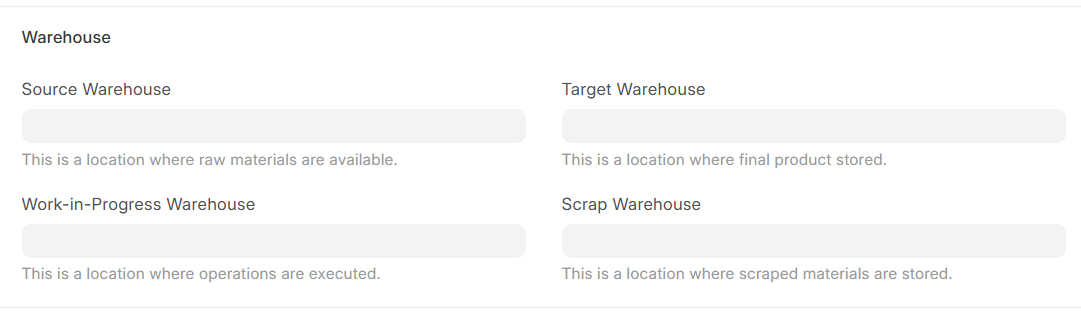
15. Source Warehouse: Raw material storage location.
16. Target Warehouse: Finished goods storage location.
17. Work-in-Progress (WIP) Warehouse: Production location.
18. Scrap Warehouse: Rejected materials storage location.
C. Time Section
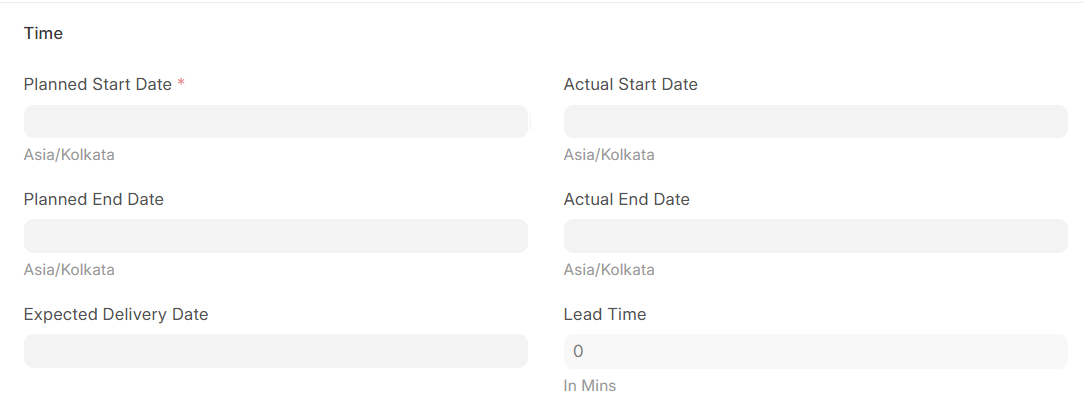
19. Planned Start Date (Mandatory): Scheduled production start time.
20. Planned End Date: Expected completion time.
21. Actual Start Date: Captured when production begins.
22. Actual End Date: Captured when production ends.
23. Expected Delivery Date: Defines delivery timeline.
24. Lead Time: Total production time (in minutes).
More Info Tab
This tab contains additional and reference information.
A. Production Item Info
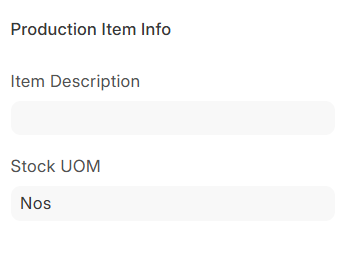
25. Item Description: Details of the product.
26. Stock UOM: Unit of measurement (e.g., Nos, Kg).
B. Reference Fields
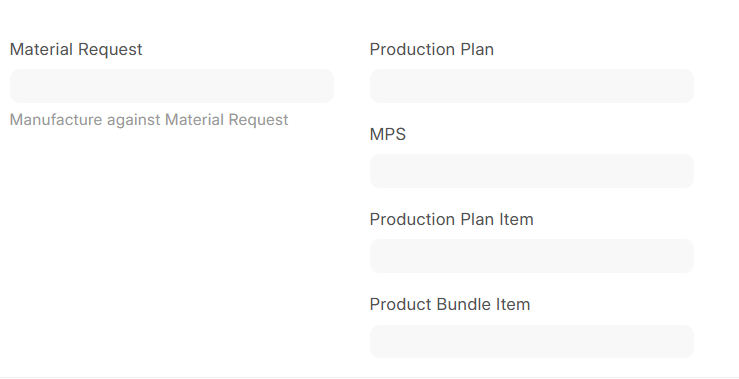
27. Material Request: Links Work Order to Material Request.
28. Production Plan: Links to production planning document.
29. MPS (Master Production Schedule): Links to long-term production planning.
30. Production Plan Item: Specific item from Production Plan.
31. Product Bundle Item: Used for bundled products.
Connections Tab
This tab shows all linked documents and transactions.
A. Transactions Section
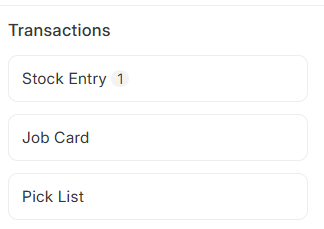
1. Stock Entry: Tracks stock movement (raw material & finished goods).
2. Job Card: Tracks individual operations.
3. Pick List: Used to pick raw materials from warehouse.
B. Reference Section
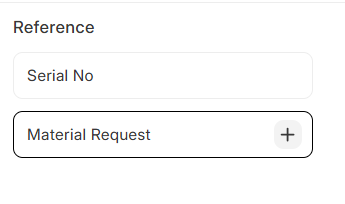
4. Serial No: Tracks serialized items.
5. Material Request: Links related material requests.
C. Stock Reservation Section
6. Stock Reservation Entry: Shows reserved stock for the Work Order.
No comments yet. Login to start a new discussion Start a new discussion