Material Request
By Komal Jangid on April 29, 2026
BeginnerMaterial Request
Documentation
Introduction
- The Material Request Form is used to record and manage material and service requirements in an organization.
- It helps control the flow of materials between departments such as inventory, purchasing, manufacturing, and projects.
- It ensures that materials are available in the right quantity at the right time.
It acts as the starting point for processes like:
- Purchasing
- Stock transfer
- Material issue
- Manufacturing
The form captures key details such as:
- Item and quantity
- Warehouse
- Project/site
- Purpose of request
- It helps in better planning and efficient use of resources.
It also improves:
- Inventory visibility
- Coordination between departments
- Decision-making for procurement and cost control
Fields in MR form
Details Tab
A. Document Header Section

1.Series : Defines the automatic naming convention for each request. Helps in document tracking.
2.Transaction Date: Indicates when the request is created in the system. By default it takes present date.
3.Purpose (Mandatory): In ERPNext, the Purpose field in the Material Request form defines the type of material requirement and determines how the system processes the request.
Available Options in Purpose Field: The following options are available:
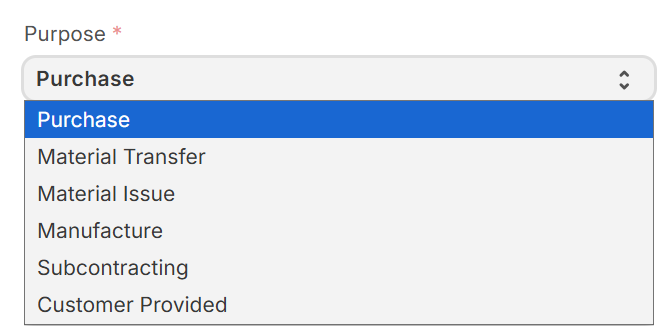
3.1 Purchase: Used when materials are not available in stock and need to be procured from suppliers. In case of service requirement this field is selected.
3.2 Material Transfer: Used to move materials from one warehouse to another within the organization.
3.3 Material Issue: Used when materials are issued for internal use such as projects or operations.
3.4 Manufacture: Used to request raw materials required for production processes.
3.5 Subcontracting: Used when materials are sent to an external vendor for subcontracted operations.
3.6 Customer Provided: Used when materials are supplied by the customer instead of being purchased. It triggers a new field Customer to select the customer who is providing material.
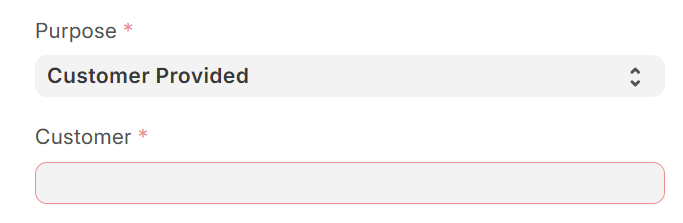
- note : Our organizations's main focus is on purchase, material transfer, material issue, manufacture.These purposes cover most of the day-to-day operations.Other purpose options are used only in specific or less frequent scenarios.
4.Required By: Specifies deadline for material requirement, useful for planning. This field does not allow dates before transaction date.
B. Organization Details

5.Company(Mandatory): Identifies the legal entity within the ERP system.
6.Price List (Standard Buying): Used for determining pricing.
C. Project & Site Information
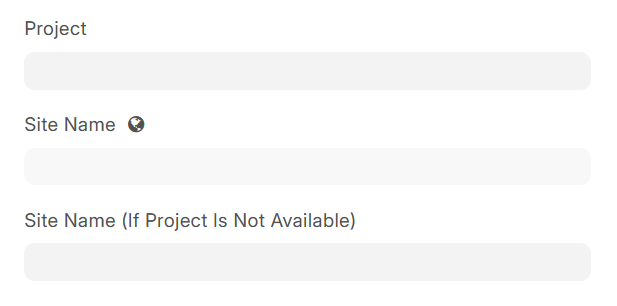
7.Project(custom_project): Links request to a specific project.
8.Site Name(custom_site_name_): helps track material usage location.
9.Site Name (If Project Is Not Available)(custom_site_name_if_project_is_not_available):This field is used if project details are not available.
D. Party Information
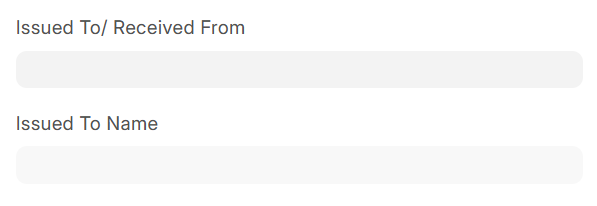
10.Issued To / Received From(custom_issued_to_received_from): Defines internal or external party involved. Issued to Name is autofetched by this field.
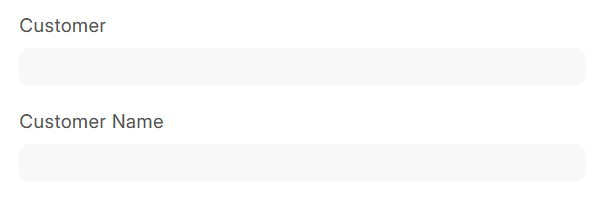
11.Customer(custom_customer_name) / Customer Name(custom_cust_name): Links the request to a customer if required.This field is autofetched by project field.
E. Some Important Fields
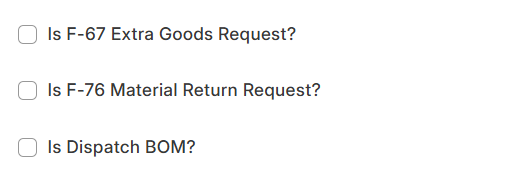
12.F-67 Extra Goods Request(custom__is_f67_entry): Used when requesting additional materials beyond initial planning.In ERPNext, the F-67 Extra Goods Request is a custom control field in the Material Request form.
When this option is enabled, the system dynamically displays additional mandatory fields to capture justification and cost responsibility for extra material requirements.
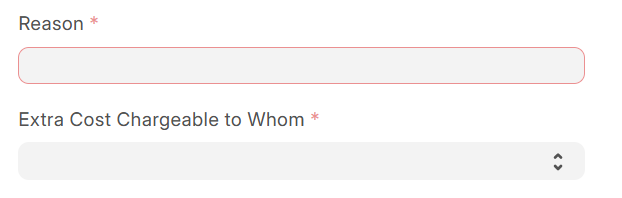
System Response: The following fields become visible and mandatory:
12.1 Reason (Mandatory Field)(custom_reason): This field captures the justification for requesting additional materials beyond the originally approved quantity.
12.2 Extra Cost Chargeable To Whom (Mandatory Field)(custom_extra_cost_chargeable_to_whom): This field identifies the entity responsible for bearing the additional cost incurred due to extra material request.
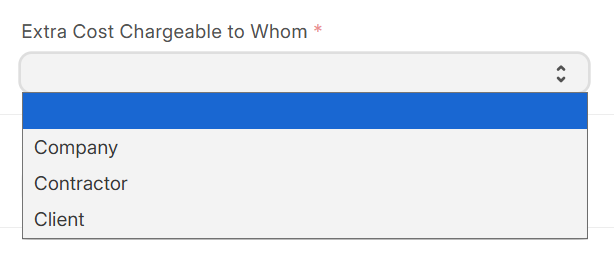
Available Options:
- Company → Cost absorbed internally
- Contractor → Cost borne by contractor/vendor
- Client → Cost charged to customer
Example Scenario:
If additional LED modules are required due to design modification:
- User selects F-67
- Enters reason: Design updated by client
- Selects: Client as cost bearer
13.F-76 Material Return Request(custom__is_f76_entry): In ERPNext, the F-76 Material Return Request is a custom field used in the Material Request form to handle the return of materials .When this option is selected, the system enables specific fields required to justify and process the return of materials.
Conditional Field Behaviour

System Response: Only one additional field becomes visible:
13.1 Reason (Mandatory Field)(custom_reason): This field captures the reason for returning materials to the store or warehouse.
Example:
After completing a signage project, unused flex material is returned:
- User selects F-76
- Enters reason: Excess material after project completion
14.Dispatch BOM(custom_is_bom): In ERPNext, the Dispatch BOM is a custom checkbox field in the Material Request form. It is used to indicate that the material request is based on a Bill of Materials (BOM) for dispatch purposes, especially when sending finished or semi-finished items to a site or customer.
A Bill of Materials (BOM) is a structured list of:
- Raw materials
- Components
- Sub-assemblies
required to manufacture or assemble a product.
Example:
For a signage board:
- BOM defines required components
- Dispatch BOM ensures all items are sent together
F. Reference Fields
- Issue Number (Complaint Number)(custom_issue_numbercomplaint_number): Used for tracking service or complaint-related material requests.
- Sales Order(custom_sales_order): Connects request to a customer order.
G. Inventory Section
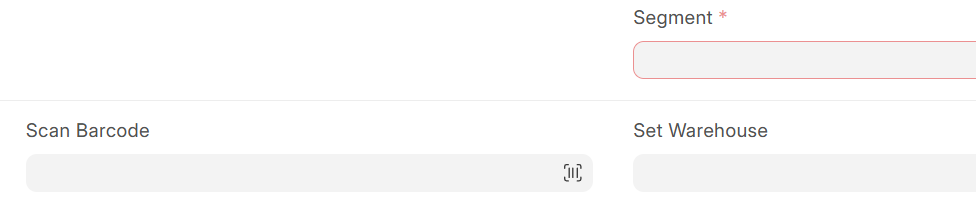
- Scan Barcode: Enables quick item entry using barcode scanner.
- Set Warehouse: Default warehouse for all items in the request.
- Segment (Mandatory): Custom classification for business segmentation.
H. Items Table (Core Section)

Each row represents one item:
- Item Code → Selected from Item Master
- Required By → Item-level deadline
- Quantity (0.0000) → Required amount
- Warehouse → Source warehouse
- UOM → Unit of Measure
- Actual Qty → Available stock in real-time
for more info. Click Here
Terms Tab
Fields in Terms Section
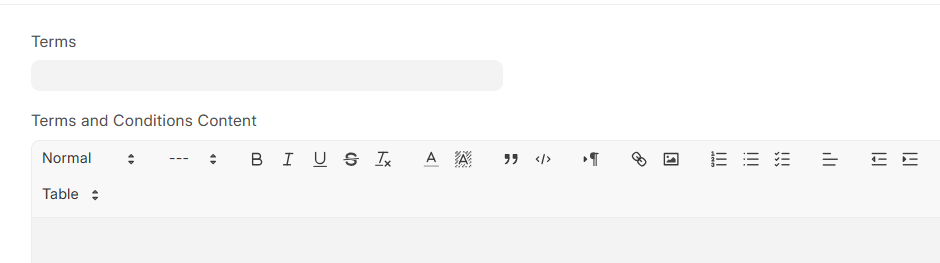
1. Terms: A short reference or title for the terms and conditions applied to the material request.
2. Terms and Conditions Content: A detailed text field where full terms and conditions are entered.
Purpose:
- Captures detailed instructions or policies
- Defines responsibilities and expectations
- Ensures clarity in execution of the request
More Info Tab
The More Info section contains additional system and reference details that support tracking, printing, and linking the Material Request with other documents.
Fields in More Info Section
A. Status Information
1. Status: Displays the current status(Draft, Submitted, Stopped, etc.) of the Material Request.
B. Printing Details

2. Letter Head: Specifies the letterhead to be used when printing the document.
3. Print Heading: Defines the title shown on the printed document.
C. Reference Section
4. Job Card: Links the Material Request to a Job Card.
5. Work Order: Links the request to a Work Order.
its very helpful and good explanation
Informative